
Download WordTarget – Word Count Tracker & Writing Progress App
Overview – Why Writers Choose WordTarget
WordTarget is a lightweight, free, and secure writing tool designed to help authors, journalists, and anyone who puts words on a page keep an honest eye on their daily output. Rather than turning the writing process into a relentless race, the app focuses on measurement, giving you clear numbers for each session and each day. By logging every keystroke, WordTarget builds a reliable record that you can review weeks or months later, allowing you to spot trends, celebrate milestones, and adjust habits without the pressure of unrealistic word‑count quotas.
The developers stress that the purpose of the app is to **measure progress only**, not to push you into a burnout‑inducing sprint. Whether you write a novel, blog posts, academic papers, or daily journal entries, WordTarget offers a calm, data‑driven companion that respects the creative flow while providing the quantitative feedback many writers crave. Its clean interface works on Windows, macOS, Android, and iOS, making it easy to stay consistent across desktop and mobile environments.
In a market flooded with gimmicky productivity apps that promise “write 1,000 words a day” without regard for personal limits, WordTarget stands out for its balanced philosophy: track, reflect, and improve at a sustainable pace.
Feature Set, Benefits, and Critical Evaluation
- Real‑time word counter: Instantly see how many words you have typed in the current session.
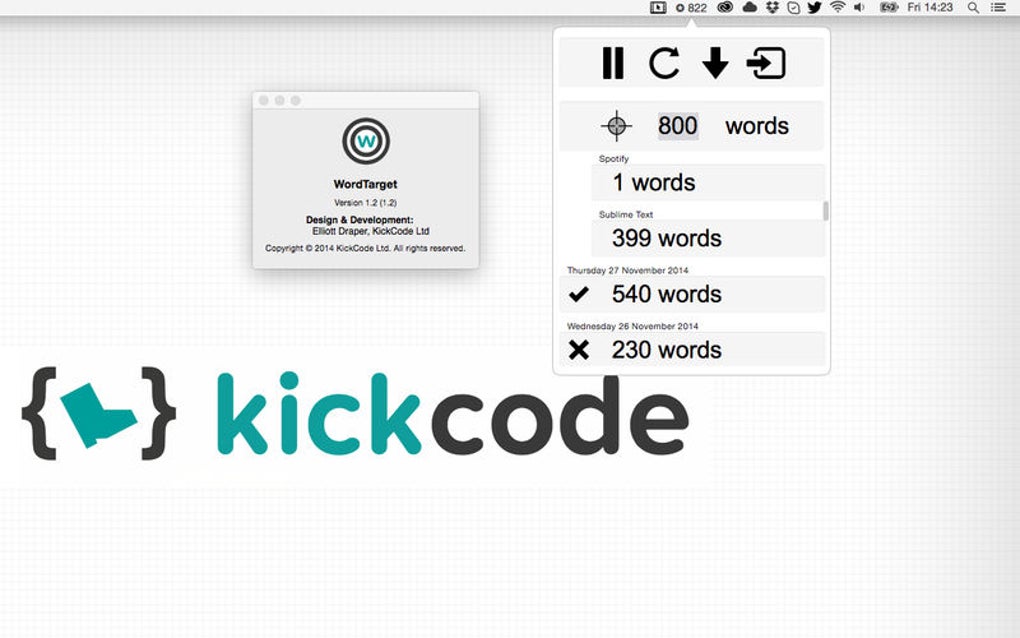
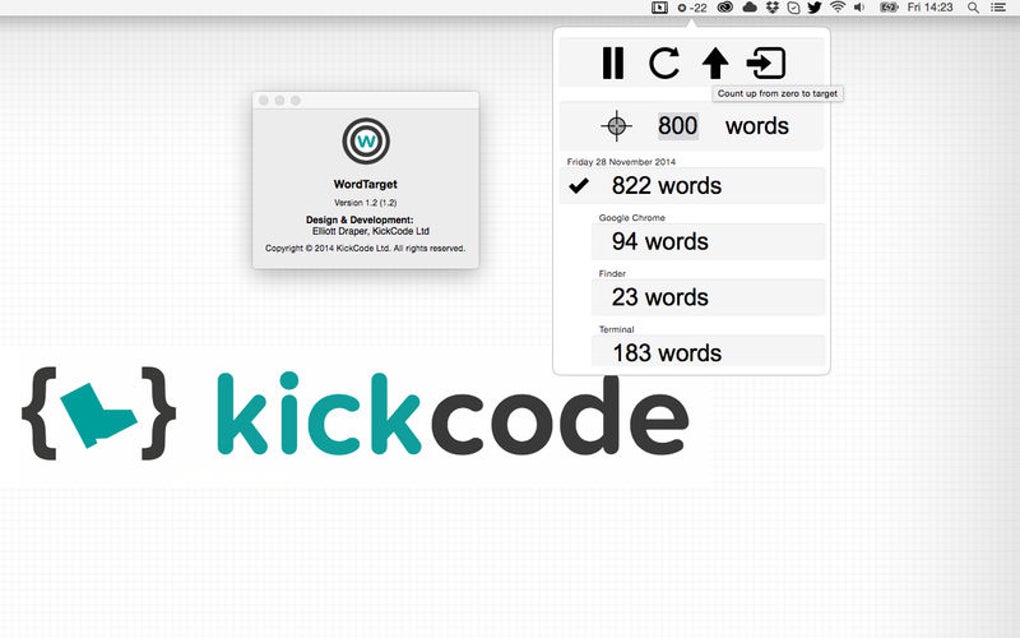
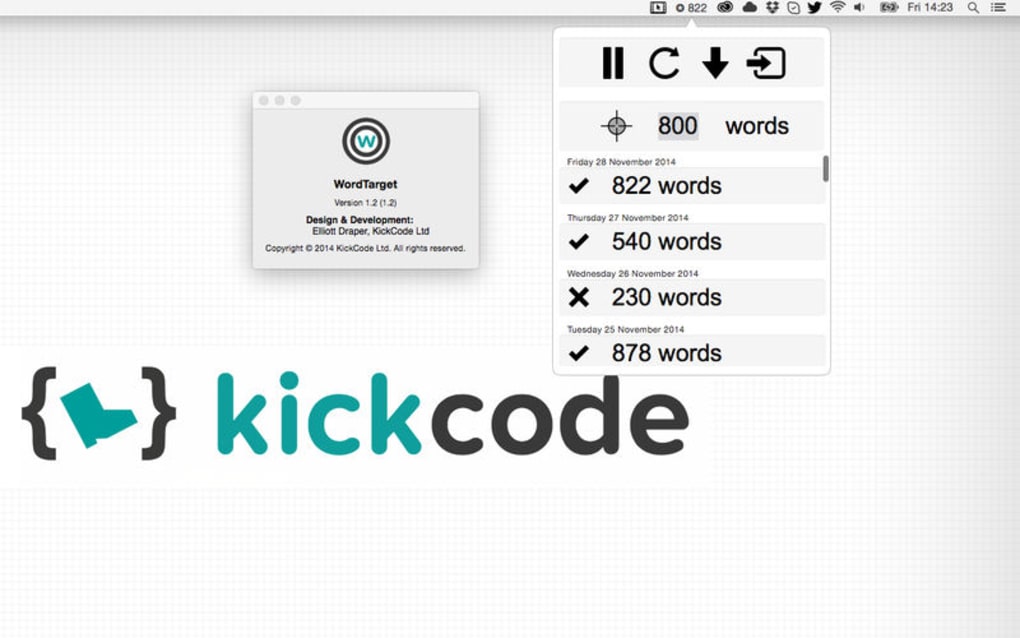
- Daily total tracker: Aggregates all sessions to give you a clear picture of your daily output.
- Custom session targets: Set optional goals for each writing block without mandatory enforcement.
- Progress analytics: Visual charts display weekly, monthly, and yearly trends.
- Exportable logs: Export CSV or PDF reports for personal records or publishing portfolios.
- Cross‑platform sync: Cloud‑based sync keeps your data consistent on Windows, macOS, Android, and iOS.
- Distraction‑free mode: Hide all UI elements except the counter for pure writing focus.
- Secure data handling: End‑to‑end encryption protects your word counts and personal notes.
Pros
- Completely free with no hidden in‑app purchases.
- Simple, uncluttered interface that doesn’t interrupt the writing flow.
- Accurate real‑time tracking that works offline and syncs when online.
- Helpful analytics without forcing arbitrary word‑count goals.
- Available on all major operating systems, ensuring seamless cross‑device use.
Cons
- Lacks advanced project‑management features such as chapter organization.
- No built‑in grammar or style checking; you’ll need a separate editor for that.
- Customization options for the UI are limited to light/dark themes.
- Export formats are limited to CSV and PDF, which may not suit every workflow.
- Requires an internet connection for initial sync, though offline tracking works.
Installation, Usage Tips, Compatibility, and FAQ
Step‑by‑step installation
Downloading WordTarget is straightforward. Visit the official website or your device’s app store, click the “Download” button, and follow the on‑screen prompts. Windows users receive an .exe installer, macOS users get a .dmg package, Android users download an .apk from Google Play, and iOS users obtain the .ipa from the App Store. After the installer finishes, launch the app and grant permission for cloud sync (optional but recommended). The first launch includes a brief tutorial that walks you through setting a default daily target and enabling the distraction‑free mode.
How to set and monitor targets
Once installed, open the settings panel (gear icon) and navigate to “Session Targets.” Here you can define a word goal for each writing block—say, 500 words for a short blog post or 2,000 for a novel chapter. The app will display a subtle progress bar, but it will never lock you out if you fall short; the bar simply fades, reminding you of the target without penalizing you. Daily totals appear on the home screen, and a tap on the chart icon reveals historical data. Use the “Export” button to generate a CSV report for deeper analysis in spreadsheet software.
Compatibility: WordTarget runs on Windows 10 or later, macOS 10.14 (Mojave) or later, Android 6.0 (Marshmallow) or later, and iOS 12 or later. Minimum system requirements are modest: 2 GB RAM, 100 MB free disk space, and an internet connection for cloud sync. The app is optimized for both desktop keyboards and mobile touch keyboards, ensuring a consistent experience regardless of your preferred device.
Frequently Asked Questions
Is WordTarget completely free?
Yes. WordTarget offers all core features at no cost and does not include any hidden premium tiers or subscription fees.
Can I sync my data across multiple devices?
Absolutely. By creating a free cloud account, your word‑count logs, targets, and analytics are synchronized securely across Windows, macOS, Android, and iOS.
Does WordTarget store the actual text I write?
No. The app only records the number of words typed; it never saves the content of your manuscript, ensuring privacy and minimal data usage.
What happens if I lose internet connection?
WordTarget continues to count words offline. Once you reconnect, the app automatically syncs the new data with your cloud account.
Is there a way to export my word‑count history?
Yes. The “Export” feature creates CSV or PDF files that include daily totals, session targets, and progress charts for external analysis.
Conclusion & Call to Action
For writers who value clarity over hype, WordTarget delivers exactly what it promises: a secure, free, and cross‑platform tool that records your daily word output without pressuring you into unrealistic quotas. Its real‑time counter, customizable session targets, and robust analytics give you the data you need to refine your routine while respecting your creative limits. Because the app never forces you to meet a target, it reduces the risk of burnout—a common pitfall for writers who obsess over numbers.
Whether you’re drafting a novel on a Mac, polishing a blog post on Windows, or jotting ideas on your Android phone, WordTarget integrates seamlessly and stays out of the way. Ready to gain insight into your writing habits without the stress of forced metrics? Download WordTarget now and start tracking your progress the smart, sustainable way.







